
Step 1 - Login to the IRD website
Step 2 - In the ‘income tax’ box, click ‘more

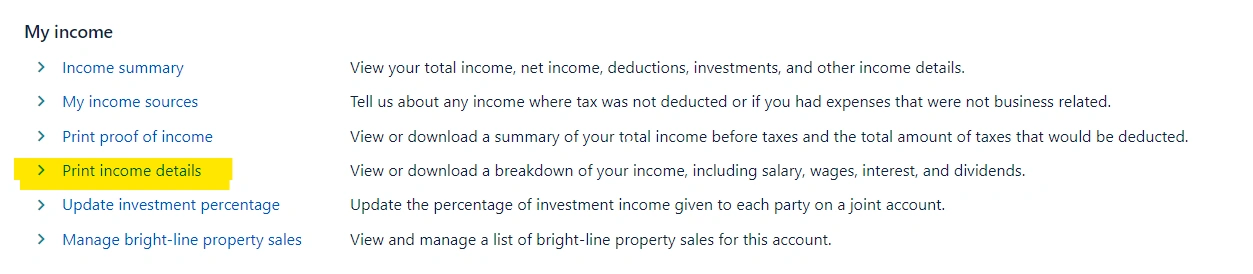
Step 3 - Under ‘my income’ select ‘print income details’ - the details part is important
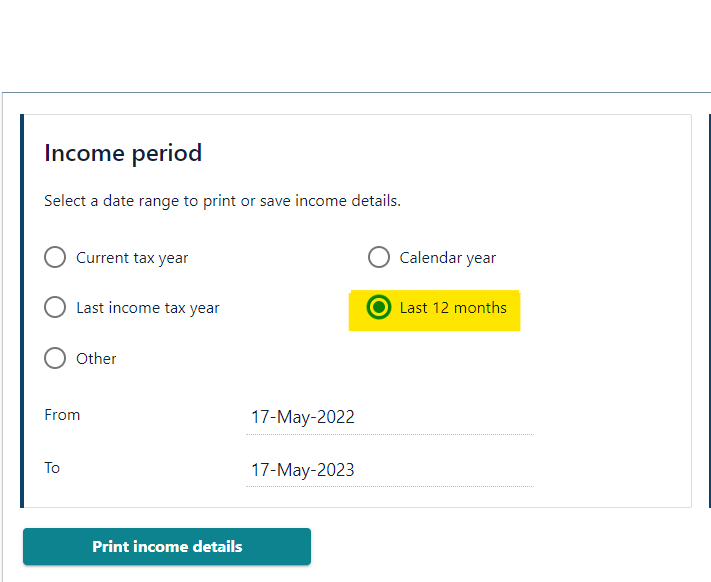
Step 4 - Ensure the dates are for the last 12 months and click ‘print income details’
Note: By last 12 months we do not mean tax year, unless specifically requested.
Step 5 - Please save this and send to us.
It should be 3-5 pages long. If it is only one page, please check that you have used the 'print income details' and not just 'print income'.